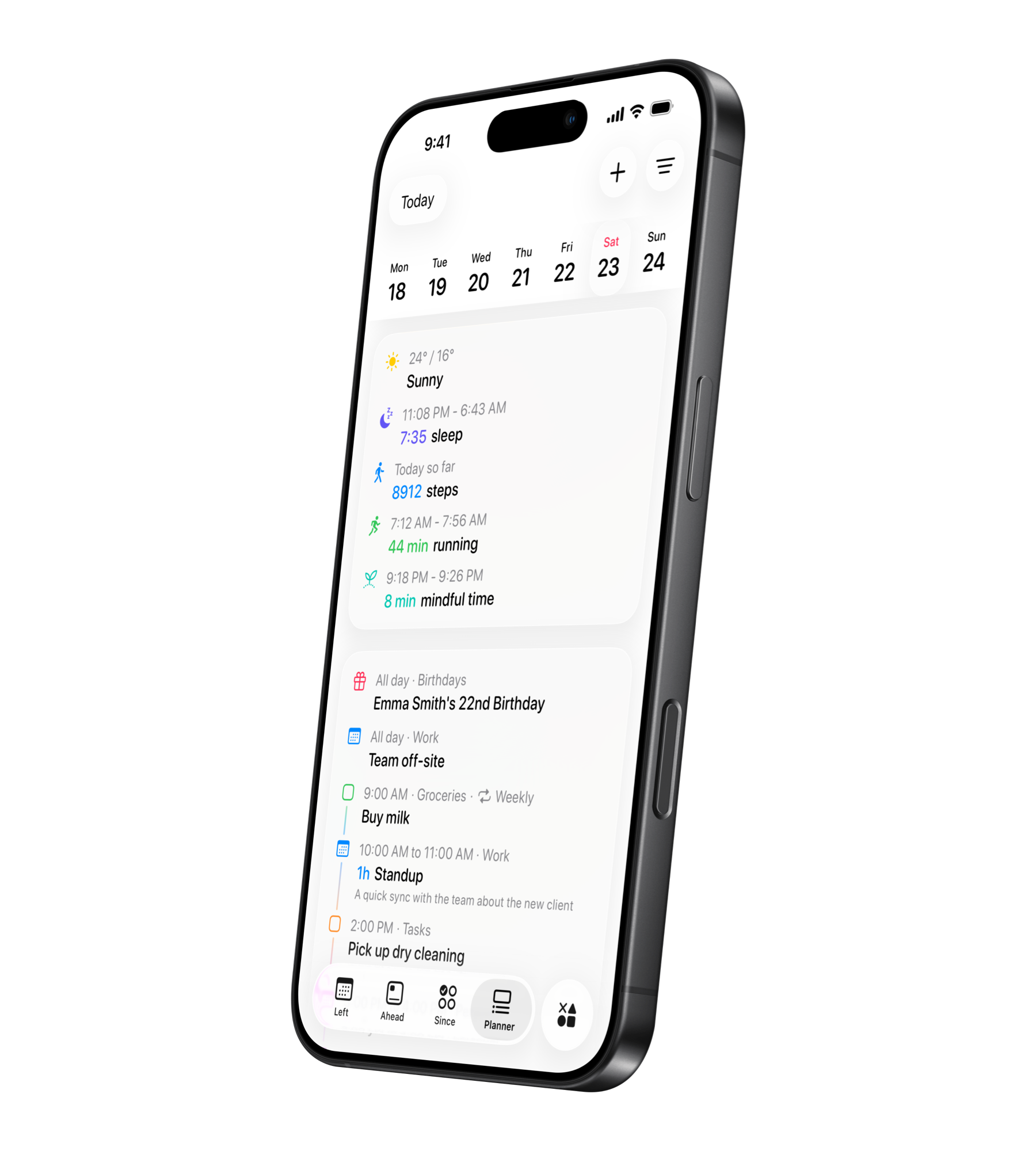
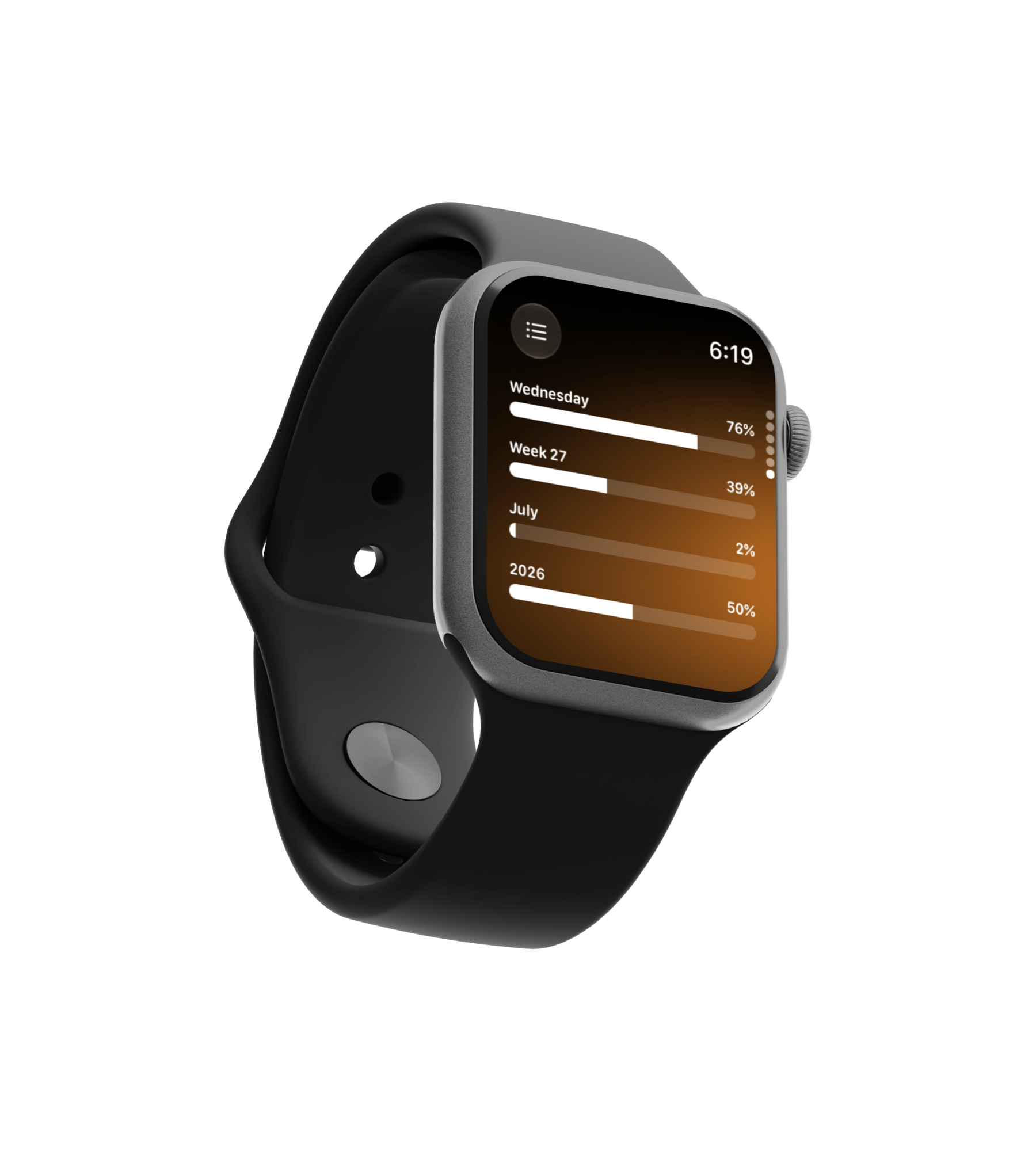
Download on the App Store

Ready for iOS 26

Left

Habit, Countdown & Life Widgets

Left app showing habit tracker, countdown, year progress, and life in weeks widgets on iPhone Home Screen

Track your habits, countdowns, and time left — right from your Home Screen. Left is a habit tracker, countdown widget, year progress, days since counter, and life-in-weeks app for iPhone. Beautiful widgets for everything that matters.

3000+
different widget combinations
100k+
users around the world
240k+
special dates tracked
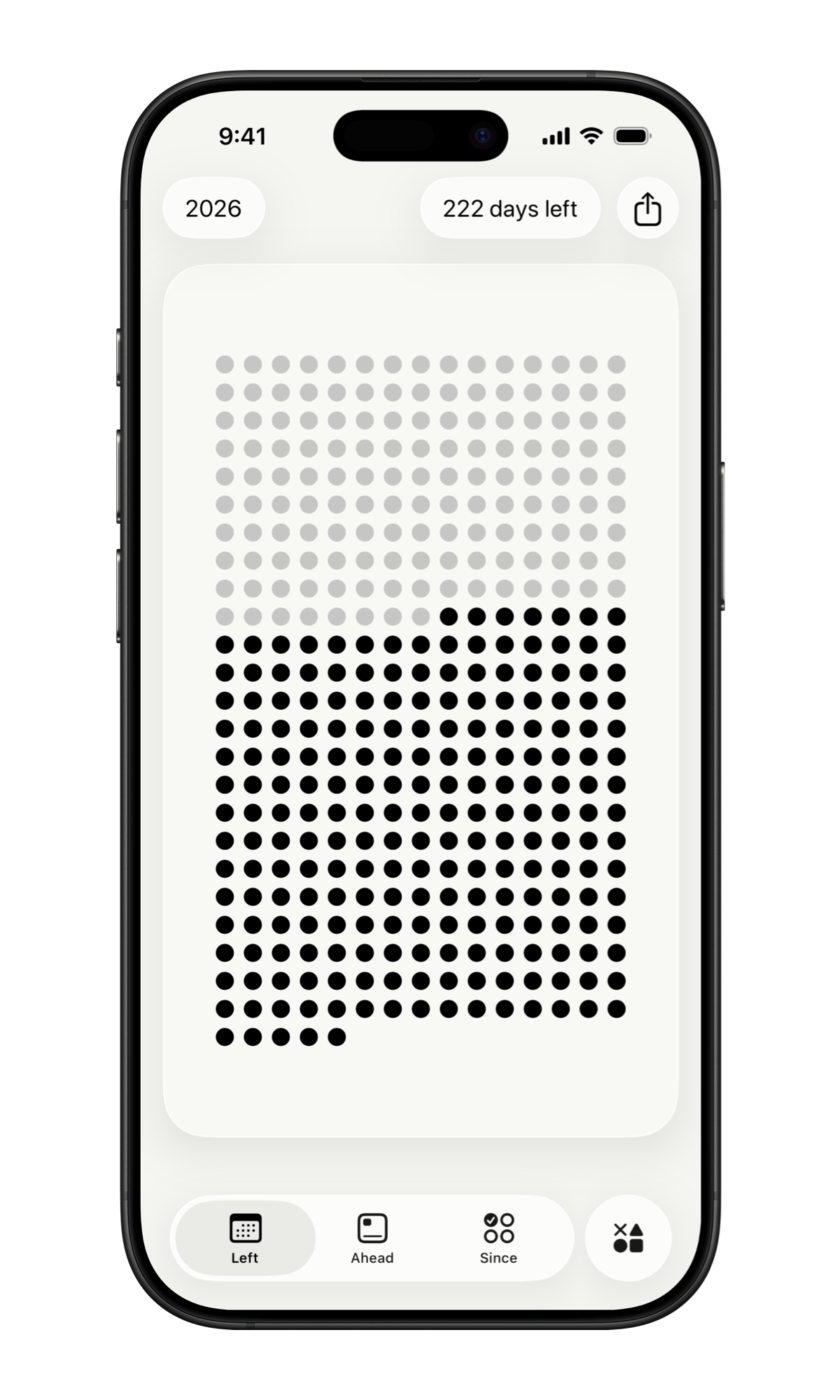
Year progress widget showing time left in the year on iPhone Home Screen

Year Progress Widget

See how far through the year, month, week, or day you are. The year progress widget makes time tangible with beautiful, glanceable layouts on your Home Screen.

Countdown widget styles with dots, stars, hearts, and hexagons for iPhone

Countdown Widgets

Choose from dots, stars, hearts, hexagons and more. Every countdown widget is fully customizable — change the background or use a glass effect to match your wallpaper.

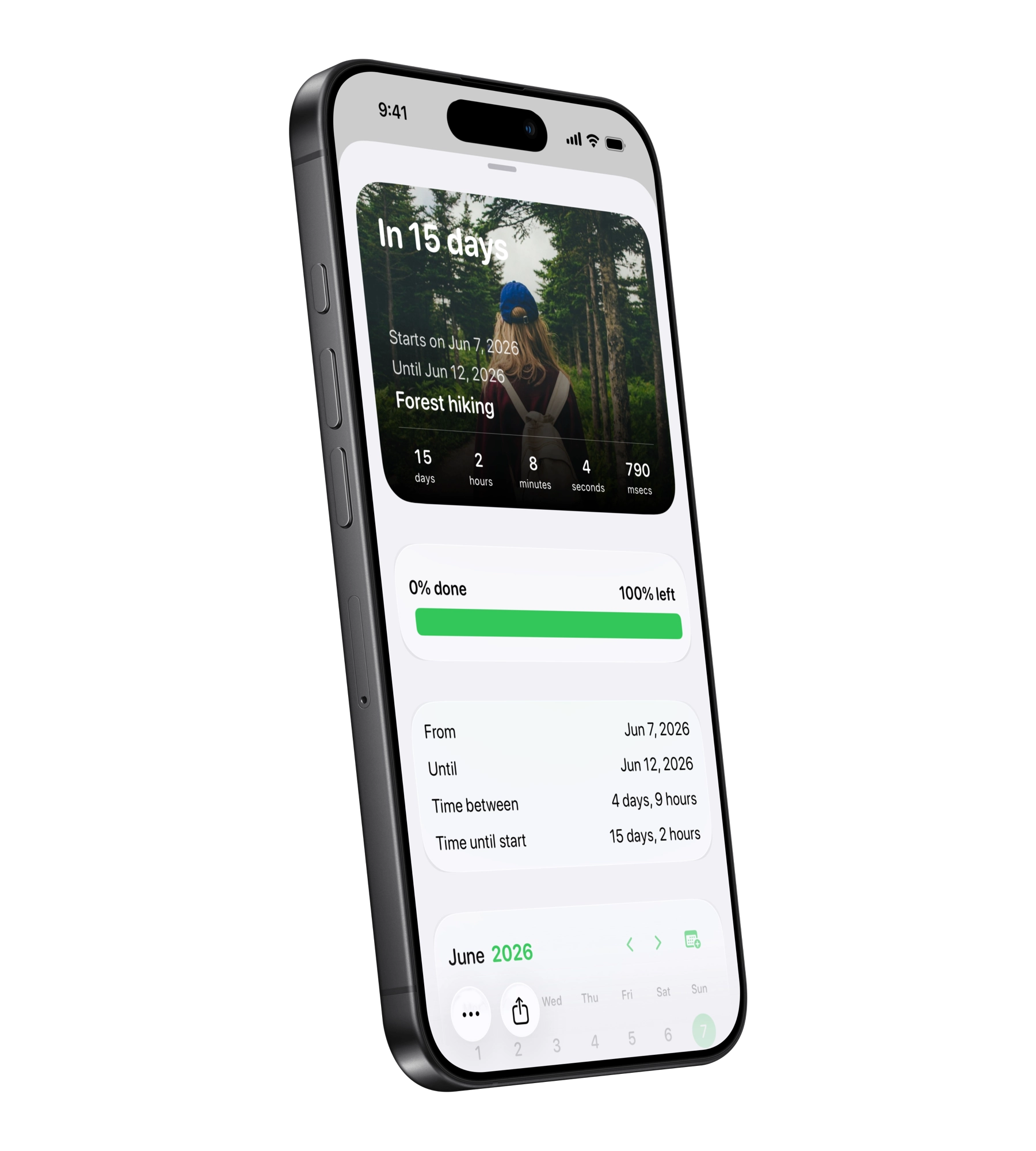
Birthday countdown widget for vacations, weddings, and holidays on iPhone

Birthday & Event Countdowns

Birthday countdown, vacations, holidays, weddings, and more. Set up to ten different special dates and visualise the time left with multiple countdown widget options at a glance.

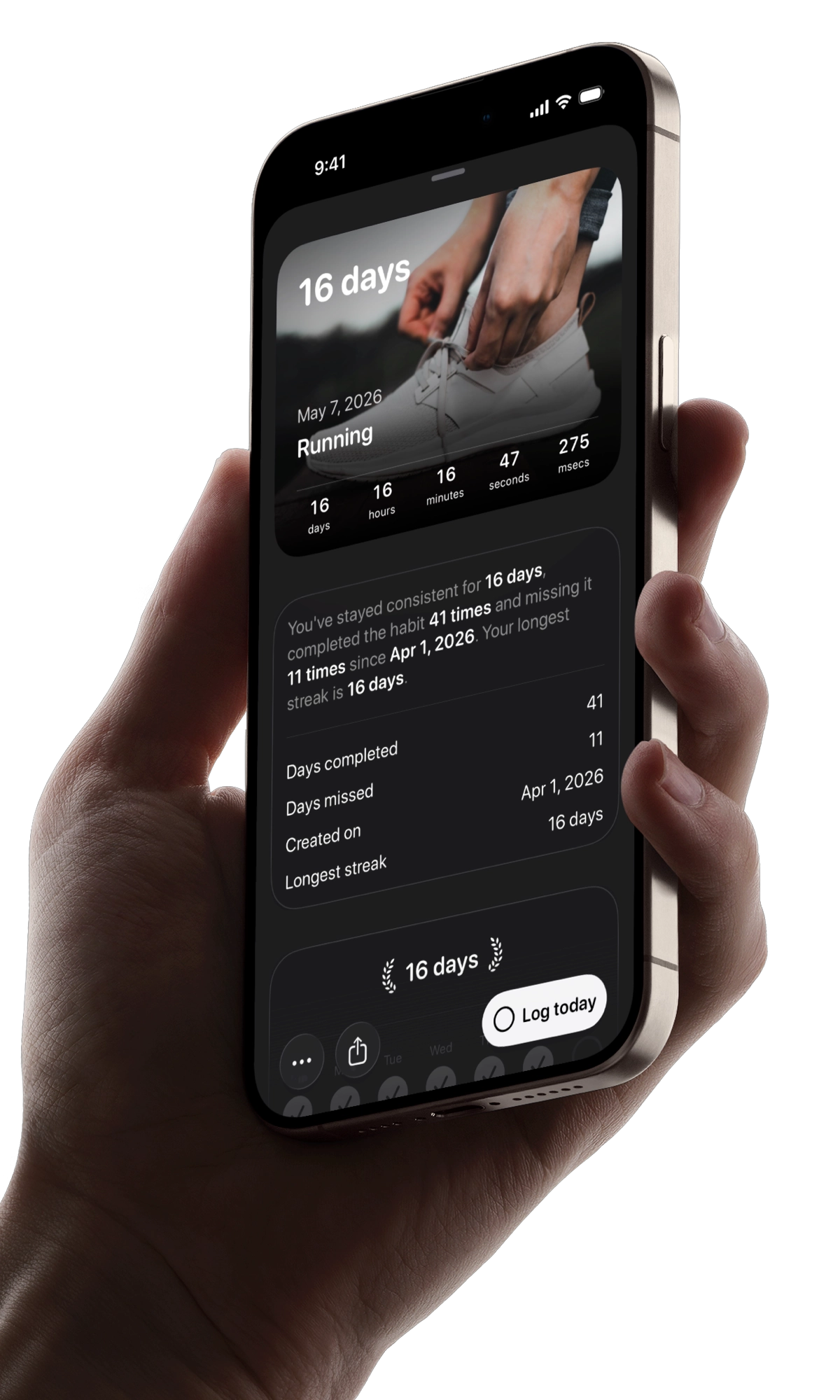
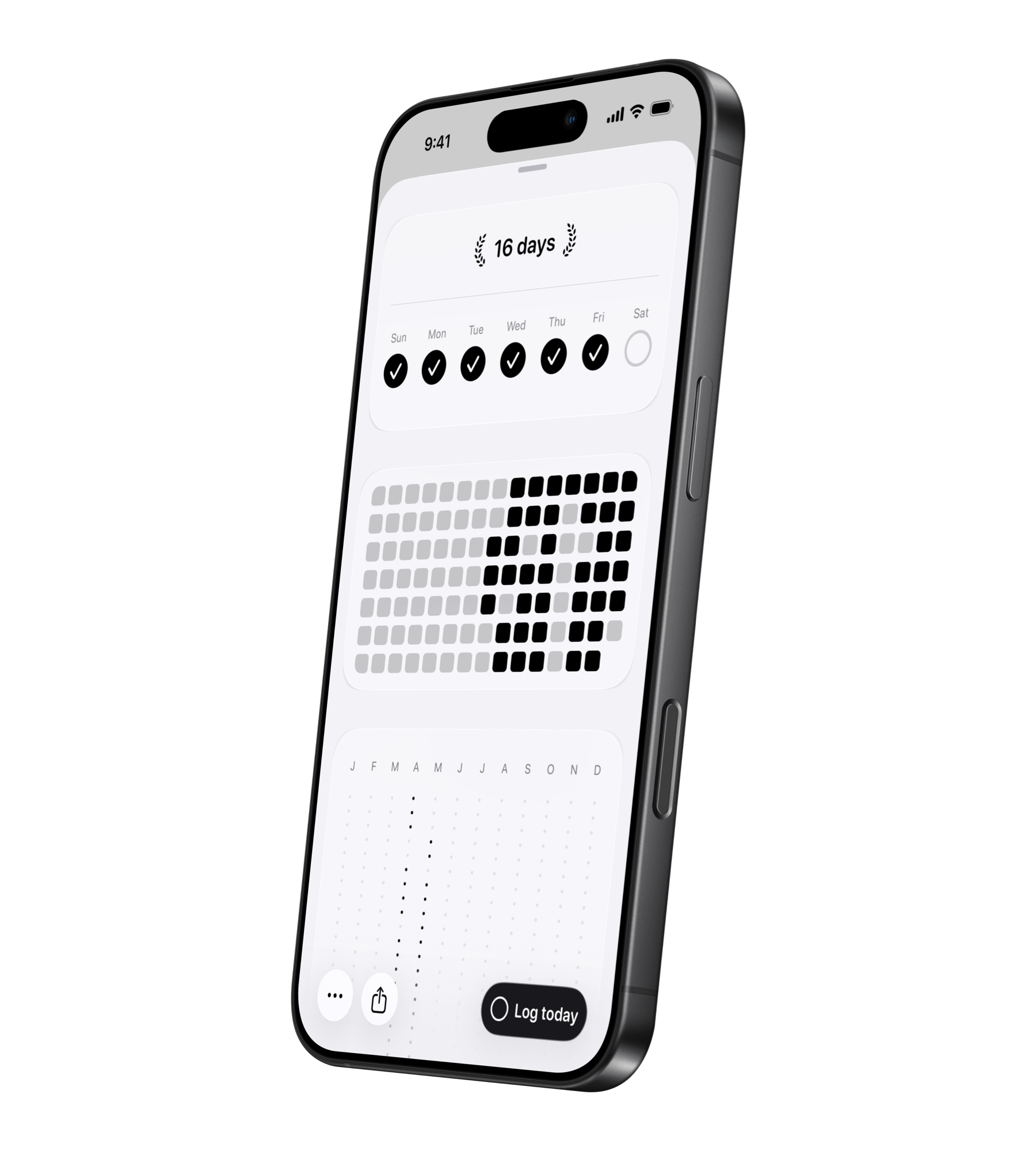
Habit tracker widget on Home Screen, Lock Screen, and StandBy

Habit Tracker Widgets

Track your habits with daily, weekly, and custom schedules. Habit tracker widgets on your Home Screen, Lock Screen, and StandBy — also on iPad and Mac.

Days since counter widget showing streak progress on iPhone

Days Since Counter

Track how many days have passed since any date. The days since counter includes automatic streak tracking and a minimal, beautiful Home Screen widget.

Life in weeks widget showing lifetime as dots with memento mori view

Life in Weeks

Visualise your lifetime in weeks, months, or years. A calm, stoic-inspired life in weeks view that makes time visible — calculate your life expectancy and see your time left.

Why Left?

Left is a habit tracker, countdown timer, and time awareness app — all in one. Widget-first with a one-time purchase, no subscriptions. With over 3000 widget combinations and full customization, it's the most elegant way to track your habits, countdowns, and life.

Time & Countdown Widgets

  • Year progress, month, week, and day widgets on your Home Screen
  • Countdown widgets for birthdays, holidays, vacations, weddings
  • Choose from dots, stars, hearts, hexagons, words and more
  • Home Screen, Lock Screen, and StandBy — also iPad and Mac
  • Minimal, beautiful design with optional glass effect

Habit Tracker & Streak Widgets

  • Habit tracker with daily, weekly, and custom schedules
  • Streak tracking with automatic completion
  • Days since counter for anything you want to track
  • Life in weeks — see your lifetime as dots on a grid
  • Habit and streak widgets right on your Home Screen

Ready for iOS 26

Left is fully compatible with iOS 26. Keep your countdowns, time left, and year progress front and center with interactive widgets on the Home Screen, Lock Screen, and StandBy.
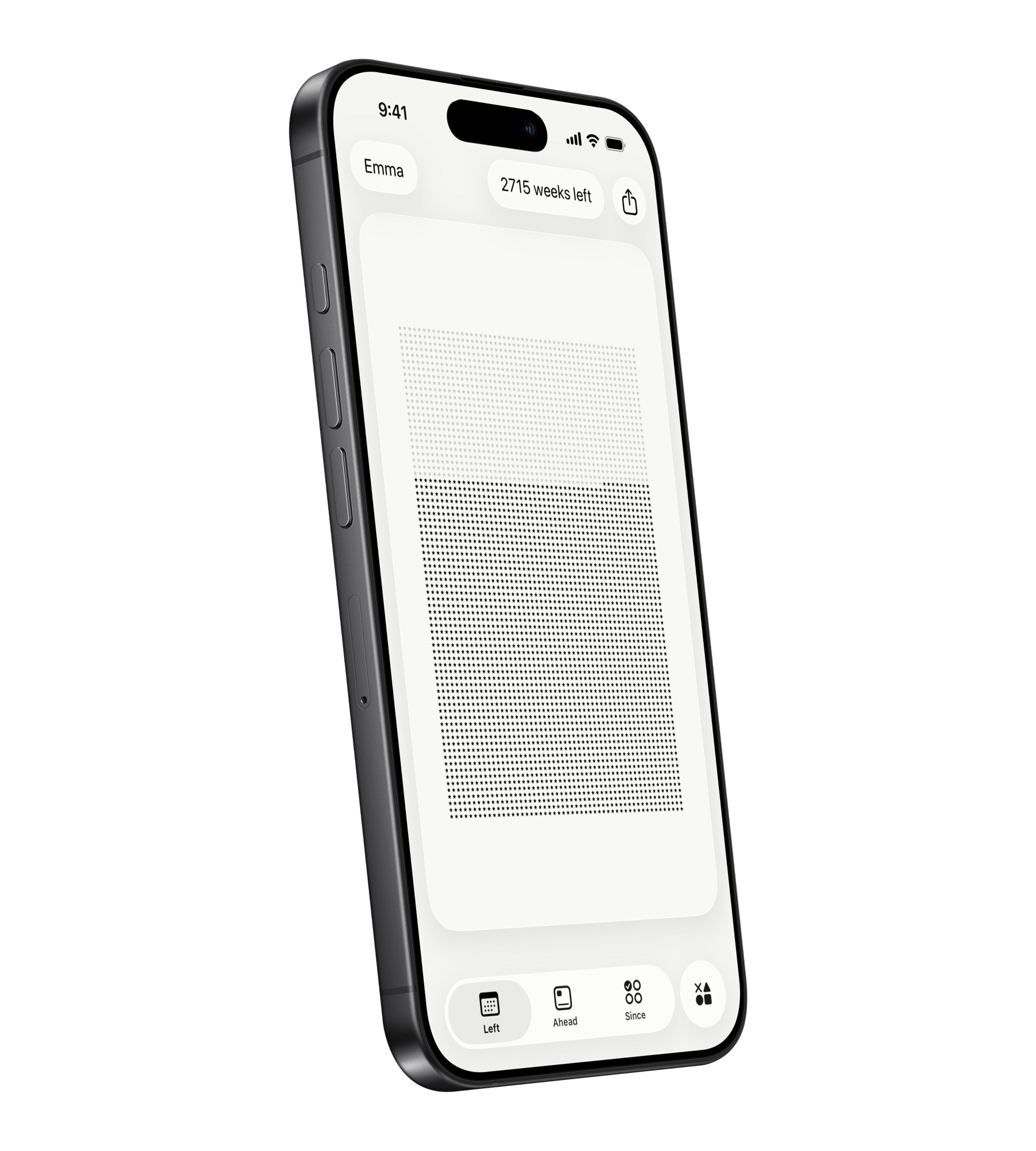
Widgets with Glass Effect

Prefer a translucent look? Left includes the option for all the widgets to be with a glass effect that subtly blur and tint to match your wallpaper, creating a calm, premium feel that fits perfectly with iOS 26.

Popular ways people use Left

Year Progress Widget

See how far through the year you are with a clean year progress widget — great for planning, reporting, or simply staying mindful.

Time Left Widgets

Glanceable time left widgets for the current day, week, or month help you pace work and avoid last-minute rushes.

Countdown Timer & Event Countdown

Trips, weddings, product launches, exams, or personal goals — countdown widgets and birthday countdowns keep motivation high.

Life in Weeks

Visualise your lifetime in weeks, months, or years to focus on what matters. A calm, stoic life in weeks view that many users check daily.

Habit Tracker & Days Since Counter

Track daily habits with a habit tracker widget on your Home Screen. Use the days since counter to see how long you've kept a streak going.

Streak Tracker

Automatic streak tracking for habits — complete daily, weekly, or on custom schedules. See your streaks grow right on your Home Screen.

What People Say About Left

One of the best apps I bought

100% worth it! Bonus for probably the fairest pricing model out there! It's rare nowadays to find a great app that only requires one time payment.

– Mark S.

The most beautiful app

I was looking for an app like this for a long time. The design is fabulous. The UI is terrific honestly, it's beautiful as hell.

– Anna C.

Helps you be grateful of the time you have!

To be aware of the time that is left is such a gift, and this app does that so, so well! This app lets you be grateful for the time we have.

– Joe K.

One time payment for premium

I don't have to pay for a stupid subscription. One time payment for premium and that's it!

– Avery M

Elegant design, zero fuss

Minimal, fast, and thoughtfully designed. I love that I can keep it simple but still customize when I want.

– Aella F.

The widget I check every day

The life-in-weeks view is brilliant. It's motivating without being noisy, and the styles are tasteful. Exactly what I wanted.

– Ollie B.

How Left Works

Are widgets free, or do I need to upgrade?

Left is free for most features and widgets. Only special dates and a custom lifespan require Left+. Unlock everything with a one-time, pay-what-you-want purchase.

How do I add a widget to my iPhone's Home Screen?
  1. Touch and hold the Home Screen until apps jiggle.
  2. Tap + (top-left) and search for Left.
  3. Pick a style and size (small, medium, large).
  4. Tap Add Widget, then long-press the widget and choose Edit Widget to configure it.
What devices are compatible?

Left is ready for iOS 26 and works on all compatible iPhones. You can also add widgets on iPad and Mac.

How is life expectancy calculated?

Life expectancy is estimated using Apple Intelligence and multiple factors such as age, gender, activity, sleep, country of birth, and more.

Does Left have a habit tracker?

Yes. Left includes a habit tracker with daily, weekly, and custom schedules. Track habits with streak widgets on your Home Screen and see your progress at a glance.

Does it work offline and is my data private?

Yes. Widgets work offline and data stays on your device. See our Support page for details.